
- Log in to your Admin account
- From the main navigation, select Content
- In the top right, click Create
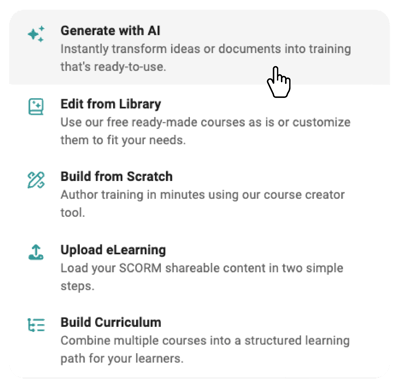
- Select Generate with AI
- In the Generate with AI window, complete the following:
- Course Description
Enter a clear description of the topic your quiz should cover - Course Objectives
Add the key knowledge or skills you want the quiz to assess
Select Add Objective (if applicable) to include multiple objectives - Image Style
Choose your preferred visual style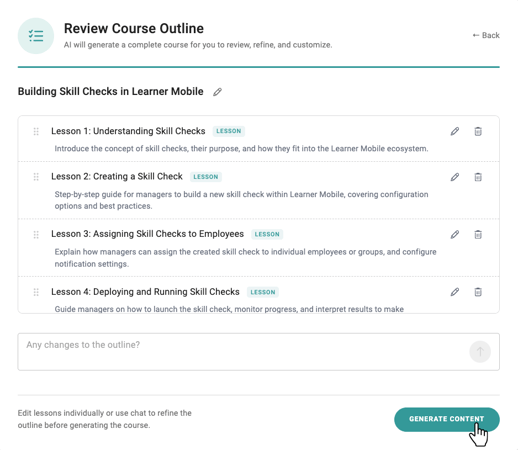
- Click Add Quiz
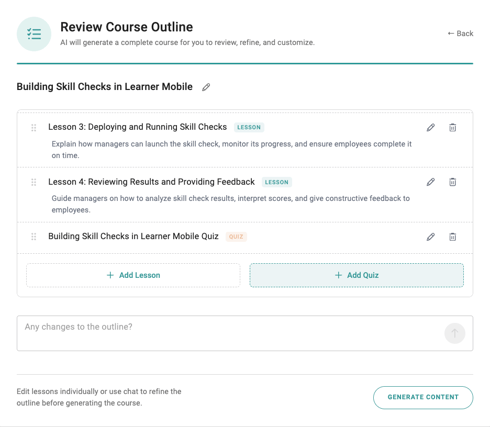
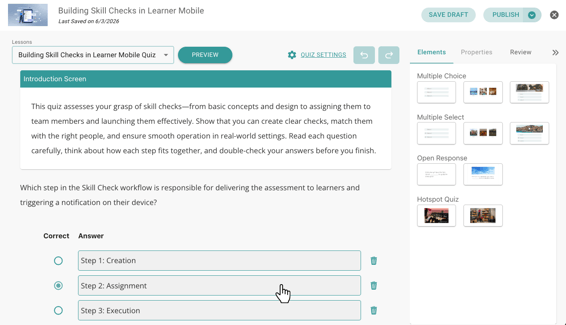
- Your quiz will populate in the Lesson Navigator in the top left corner
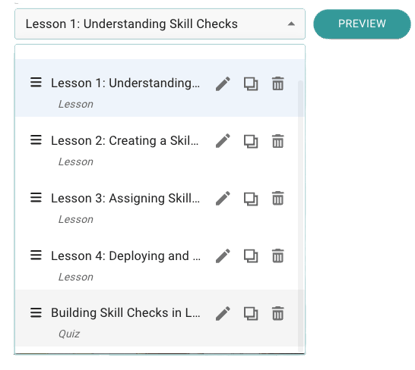
- To customize your quiz:
- Select the quiz from the Lesson Navigator
- Use the available elements on the right-hand panel to edit questions, adjust content, and add or remove components
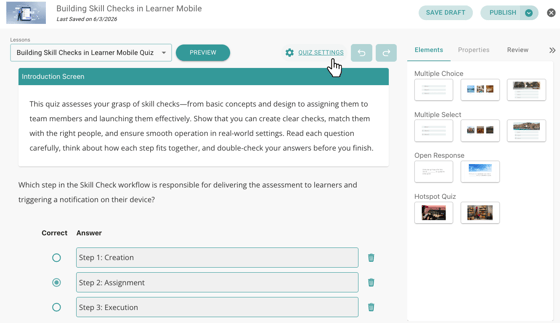
- Once your quiz is finalized:
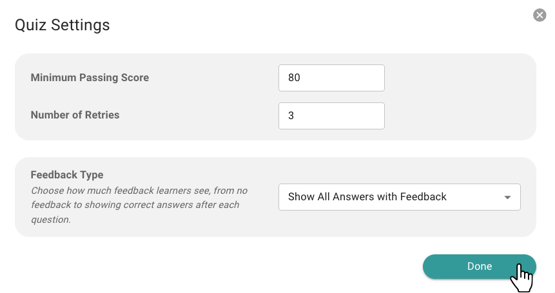
- Navigate to Settings
- Set your passing score
- Define the number of allowed attempts
Check out How to Assign Content to deliver your quiz to learners.